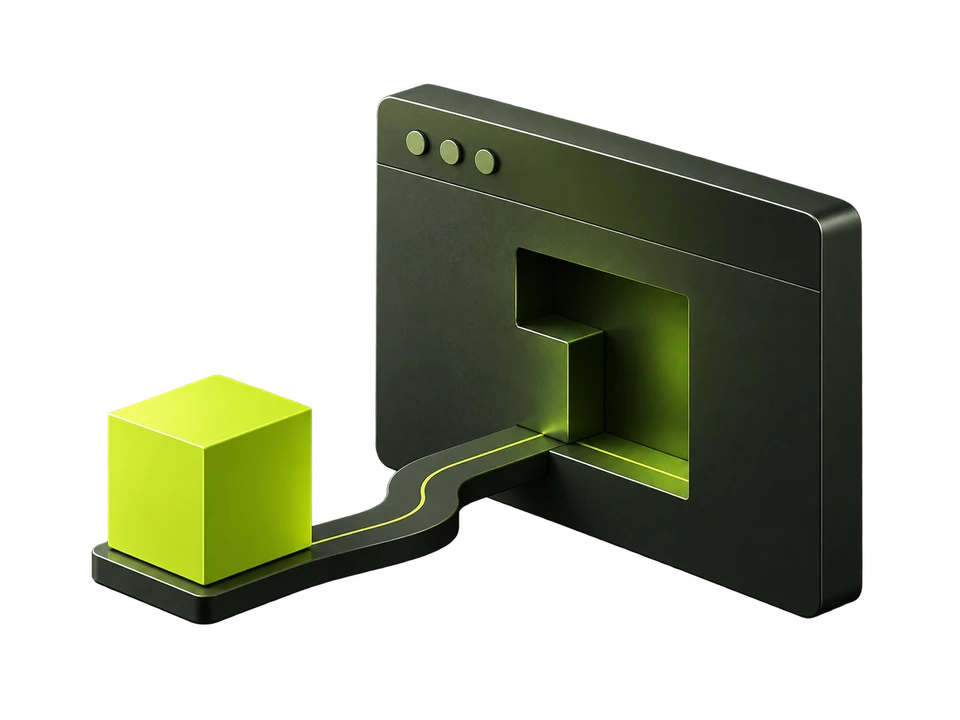
A useful website correction can sit in a backlog long after someone has found it. A compatible delivery connection gives some changes a shorter path to the live page. Start by checking what the change needs and who can authorise it.
Start with the exact change
- Check the current page and proposed replacement.
- Confirm that any service, location, price or qualification is true.
- Find the supported route for that fix: embed, configured edge or native connection.
- Keep navigation, application behaviour and unsupported content edits with the right owner.
What an embed changes
The script can apply eligible changes in the rendered page. That differs from saving a change in your CMS or serving it in the original HTML. A crawler that does not run the script may not see a browser-only change.
Review the proposed change, confirm its facts and check delivery support for your website. After authorising an eligible fix, inspect the delivery record and the separate live-page check. Use your CMS or developer for work the connection cannot deliver.
Work in a small, reviewable batch
- 1Choose an important page from your saved findings.
- 2Review the content and delivery prerequisites.
- 3Apply one eligible change and inspect its receipt.
- 4Check the live page and available verification before expanding the batch.
Removing the embed stops its changes on subsequent page loads. Native and edge changes have their own rollback requirements. Keep a recovery path for the connection you use.
Start from the findings you already have. Run a fresh scan when the site has changed or the evidence is too old for your decision, and check your plan allowances first. Saved reports remain available without starting another analysis.